Cut acrylic and sheet materials
Clear and colored acrylic needs a CO2 laser. A diode generally can't cut or cleanly engrave clear acrylic.
In research — coming soonDiode, CO2, and fiber lasers for makers and small businesses.
Understand laser engraving before you buy. Learn about diode, CO2, and fiber lasers, materials, software, accessories, and choosing the right machine for your work.
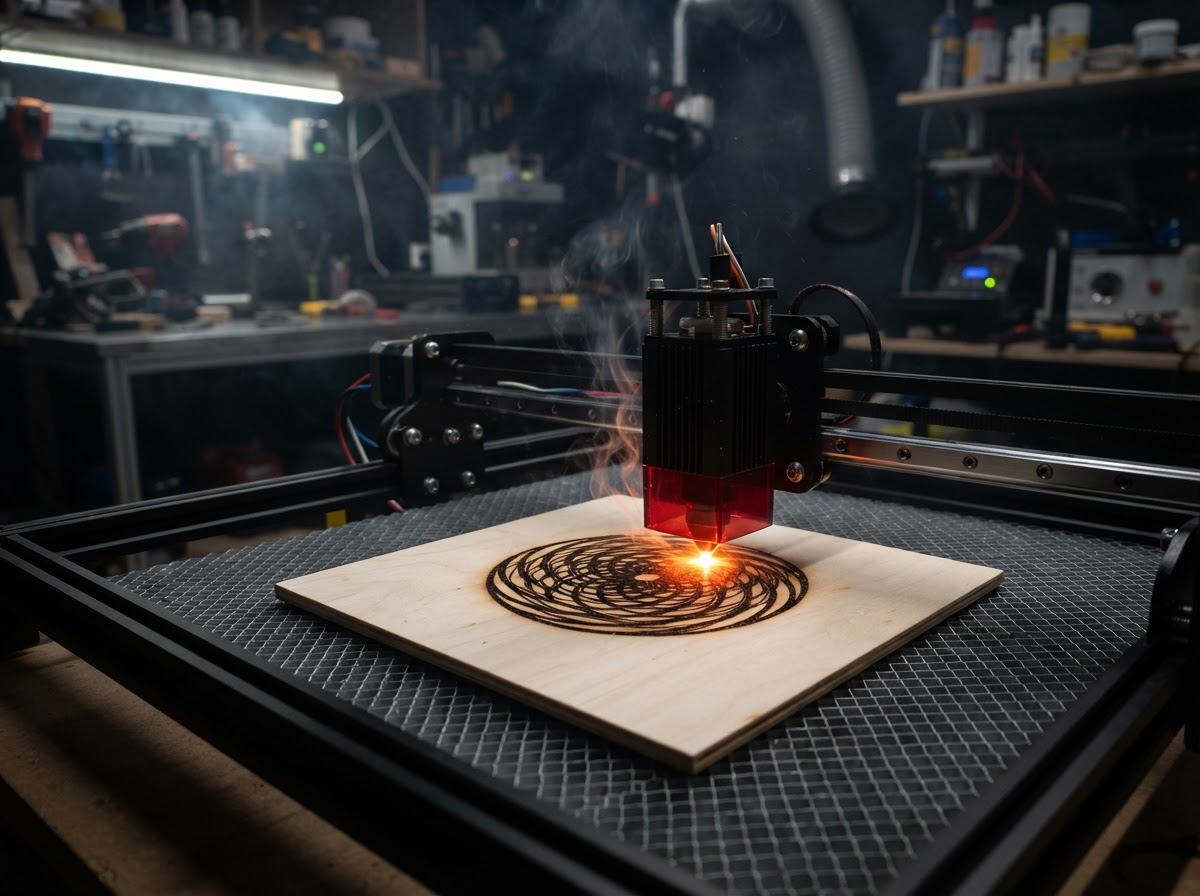
New to laser engraving? Start here
If you're new to lasers, the three technologies below are the starting point. Each uses a different wavelength, and wavelength decides which materials a laser can actually process.
The common desktop entry point. Blue diode lasers engrave and cut wood, leather, paper, and many coated materials. They're the most affordable enclosed option, but generally can't cut clear acrylic or mark bare metal.
A common choice for stronger cutting and a wider material range. CO2 lasers process clear and colored acrylic, wood, leather, and paper. They cost more and take more space than a diode, and don't mark bare metal.
Primarily relevant to metal marking, engraving, and specialized metal work. A 1064nm fiber laser is the technology that bare metal actually absorbs — the work diode and CO2 lasers can't do. Fiber systems cost more and usually have a smaller work area.
For a deeper comparison, our Types of Laser Engravers: Diode vs CO2 vs Fiber guide is in progress.
Buying guides
Research-based comparisons built from manufacturer specs, documented compatibility, and clearly identified third-party information — not on hands-on testing we haven't done.
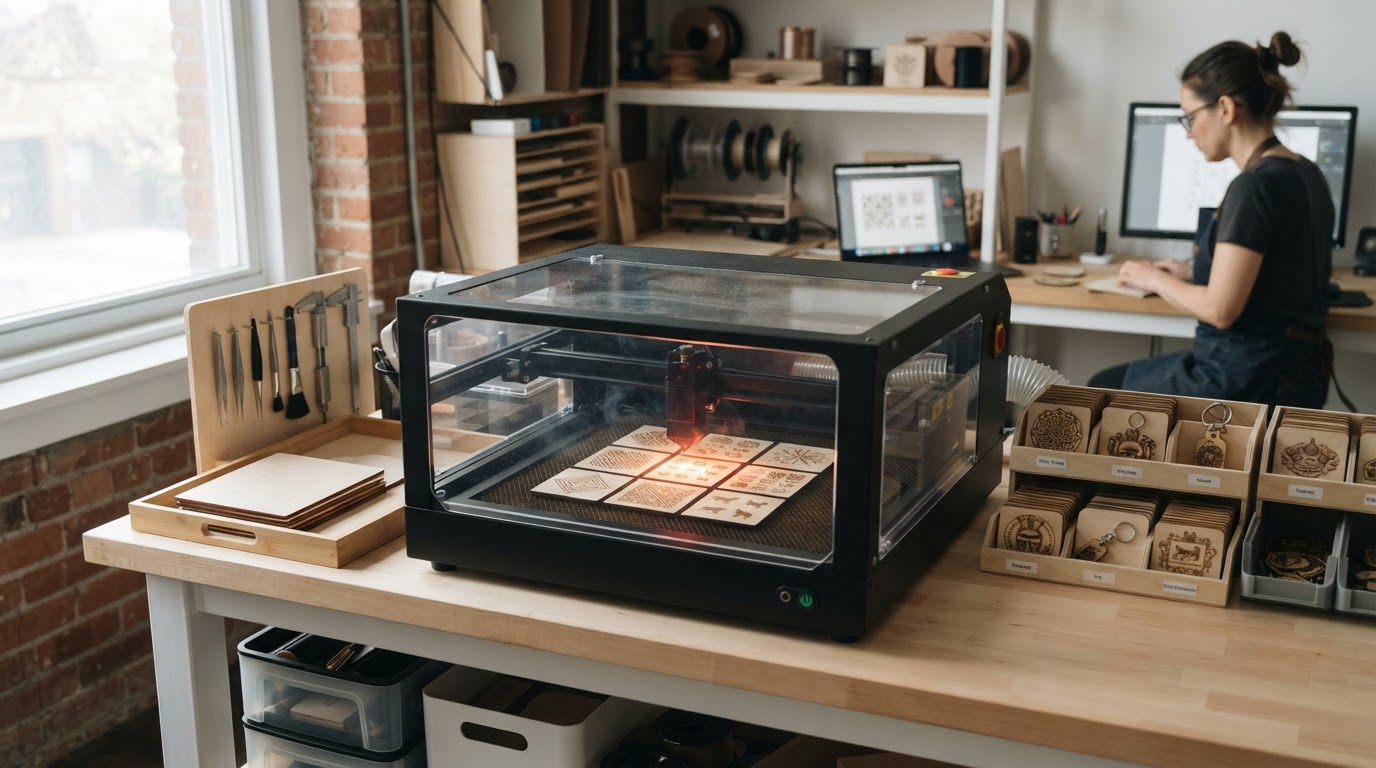 Buying Guide
The best laser engraver for a small business depends on what you sell. Compare diode, CO2, and fiber machines by material, work area, software, and price.
Buying GuideCompare laser engravers for wood by laser type, power, work area, cutting needs, and price. Learn when diode or CO2 makes the most sense.
Buying GuideYour first laser should be safe to learn on and not something you outgrow in a month. Compare beginner machines by enclosure, software, work area, and total startup cost.
Learn the basics
A few concepts explain most of the differences between machines. Each one matters more than a single wattage number.
Find your fit
Match the laser to the work you actually plan to do. Linked cards lead to published guides; others are topics we're researching.
Surface engraving and light cutting on wood, leather, and coated crafts. Diode and CO2 both work; power and detail trade off.
Read the wood guideClear and colored acrylic needs a CO2 laser. A diode generally can't cut or cleanly engrave clear acrylic.
In research — coming soonBare metal needs a 1064nm fiber or IR laser. This is the defining reason to choose a fiber-capable system.
In research — coming soonMatch the laser type to what you sell — wood and leather, acrylic signage, or metal — and budget for ventilation and accessories.
Read the business guideA first laser should be safe to learn on and not something you outgrow in a month. Enclosure, software, and total startup cost matter most.
Read the beginner guideWhy more watts isn't always better — matching optical power to your materials and projects.
In research — coming soonA full comparison of diode, CO2, and fiber by wavelength, material, cost, and intended use.
In research — coming soonSafety
A laser is a powerful tool and an ignition source. These points are general guidance, not operating instructions — always follow your machine's documentation.
Read and follow the safety and operating instructions in your machine's documentation. They reflect the specific risks of that hardware.
Even enclosed machines need proper smoke and fume management. Enclosure contains light and debris; it doesn't make exhaust optional.
Some plastics, coatings, and treated materials can produce hazardous fumes or damage equipment. Confirm a material is appropriate before processing it.
A laser is an ignition source. Never leave a running machine unattended, keep a suitable fire extinguisher nearby, and follow fire-safe work practices.
On the way
Research-based guides we're building. These cards are placeholders for structure — they don't link to thin pages, and they become live as each article is published.
A full comparison of the three technologies by wavelength, material compatibility, and cost.
In research — coming soonWhy more watts isn't always better — matching optical power to your materials.
In research — coming soonFAQ
Trying to choose between all three workshop technologies? Our upcoming 3D Printer vs Laser Engraver vs CNC Router comparison will help — it's in progress.