Print miniatures and figures
Detail, resolution, and why resin often wins for tabletop and modeling.
In research — coming soonAdditive manufacturing for makers, educators, and small shops.
Start making with 3D printing. Explore printers, filament, resin, software, accessories, troubleshooting, and buying guides for FDM and resin 3D printing.
New to 3d printing? Start here
3D printing is additive manufacturing — building up material rather than cutting it away. Consumer machines fall into two main categories:
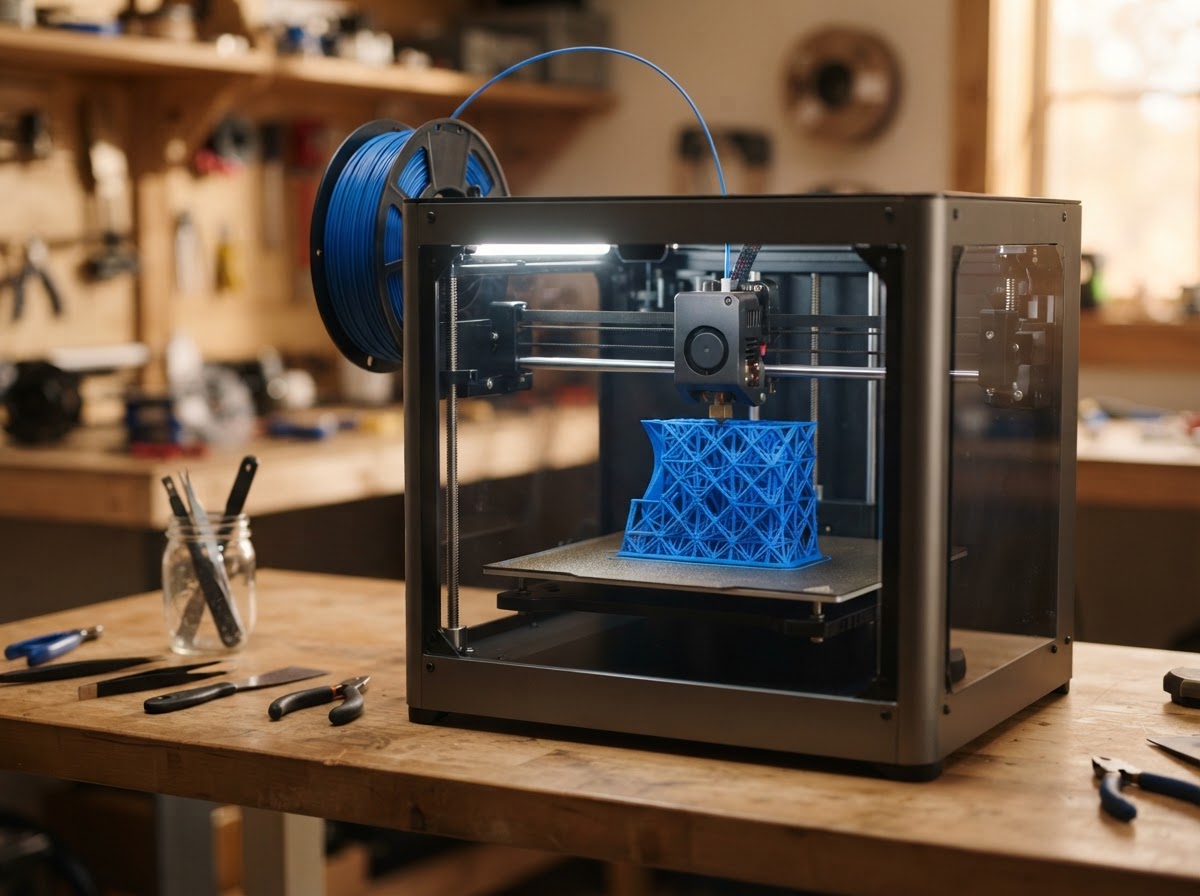
Builds objects layer by layer by melting and extruding filament. Commonly associated with materials such as PLA, PETG, and TPU. The most common and affordable starting point.
Uses light to cure liquid photopolymer resin layer by layer. Often chosen when fine detail and smooth surfaces are the priority. Requires handling and post-processing of resin.
Neither technology is universally better — FDM and resin suit different work, and many makers eventually use both.
Learn the basics
A handful of terms explain most of what separates one printer from another.
Applications
3D printing covers a remarkably wide range of practical and creative work — though not every printer or material suits every application.
Fast physical prototypes to test fit, form, and function before committing to production.
Custom or hard-to-source brackets, knobs, and fittings for repairs.
Drawer, desk, and tool organizers designed to fit a specific space.
Detailed figures for tabletop gaming and modeling — a strength of resin printing.
Architectural, scientific, and display models with fine surface detail.
Workshop helpers, gauges, and jigs tailored to a specific task.
Hands-on models for classrooms, from molecules to simple machines.
Parts for RC, cosplay, drones, and maker projects.
Project boxes and housings for electronics.
Vases, sculptures, and gifts.
Materials
Material choice depends on what the part needs to do, what the printer can run, and how it's handled. These are introductions, not processing instructions.
Find your fit
These are the decisions 3D printing buyers work through. 3D printing buying guides are on our roadmap — the cards below are topics in research, not live links.
Detail, resolution, and why resin often wins for tabletop and modeling.
In research — coming soonStrength, materials, and tolerances for parts that have to work.
In research — coming soonFDM vs resin, build volume, and what a beginner actually needs.
In research — coming soonMatching filament or resin to the job — properties, cost, and handling.
In research — coming soonSlicers, settings, and the workflow from model to printed part.
In research — coming soonDiagnosing adhesion, warping, stringing, and layer issues.
In research — coming soonBefore you buy
A first printer is a balance of what you want to make, what you can maintain, and where it will run.
Detail-focused work leans resin; functional, larger, or multi-material work leans FDM.
FDM is easier to start and maintain; resin needs ventilation, handling care, and post-processing but delivers finer detail.
Match capacity to your typical part. Most prints are small; only pay for volume you'll use.
Filament is inexpensive; resin costs more and varies by type. Factor consumables into running cost.
Most printers include a slicer; popular options like Cura and PrusaSlicer work across many machines.
FDM needs occasional leveling, nozzle cleaning, and part replacement; resin needs vat care and handling.
Resin and some filaments (ABS, ASA) need ventilation; plan for where the printer will live and run.
Available replacement parts, firmware updates, and community documentation make ownership far easier.
Safety
Most 3D printing is safe with basic care. A few points matter — these are general guidance, not handling instructions.
Resin is a skin sensitizer and needs gloves and careful handling. Work in a ventilated area and follow the manufacturer's safety guidance.
Some filaments — especially ABS and ASA — emit fumes when heated. Use ventilation or an enclosure with exhaust.
Extruders and beds get hot, and axes move during printing. Keep hands clear and follow the printer's safety guidance.
On the way
Research-based guides on our roadmap. These cards are placeholders for structure — they don't link to thin pages, and they become live as each article is published.
Detail, bed leveling, and resin vs FDM for tabletop and modeling.
In research — coming soonSafety, enclosed designs, and classroom-friendly workflows.
In research — coming soonA realistic look at cost, learning, and what you actually get out of a printer.
In research — coming soonThe essentials versus the extras, and where to spend first.
In research — coming soonFAQ
Trying to choose between all three workshop technologies? Our upcoming 3D Printer vs Laser Engraver vs CNC Router comparison will help — it's in progress.