Cut wood signs and parts
Workholding, bits, and work area for sign-making and repetitive wood parts.
In research — coming soonDesktop CNC for woodworking, metal, and precision parts.
Make sense of CNC routing. Understand desktop CNC machines, woodworking and metal applications, router bits, software, accessories, and machine selection.
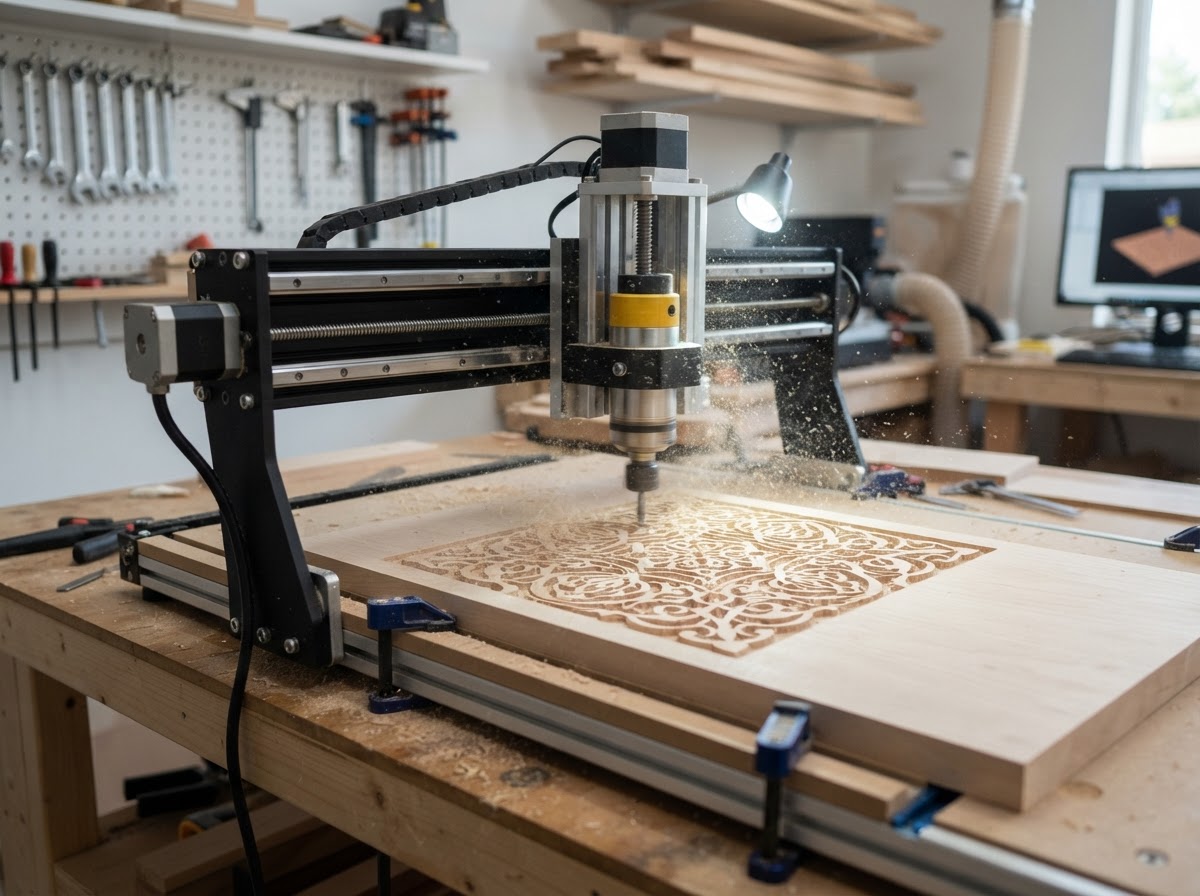
New to cnc routers? Start here
A CNC router automates the cutting a woodworker might do by hand. The basic workflow is the same regardless of machine size:
Create your part in CAD or vector software. This defines the shape and dimensions of what you'll cut.
CAM software turns the design into a toolpath — the route and cutting instructions the machine follows.
Secure the material, install the right bit, set the zero position, and confirm speeds and feeds for the cut.
The controller runs the toolpath, removing material to produce the part. Supervise the cut and follow safety practices.
Learn the basics
A few parts define what a CNC router can do and how it behaves.
Applications
Machine capability varies substantially — a light desktop router and a cabinet machine solve very different problems. Common applications include:
Carved and cut signage in wood, plastics, and aluminum, including raised letters and relief carving.
Repetitive, accurate parts for furniture and cabinetry that are tedious to make by hand.
Joinery, panels, and decorative details cut to consistent dimensions across a run.
Inlays, carvings, templates, and jig-making for a home or small shop.
Relief and 3D carving from digital models.
Durable, accurate templates for repeated hand-tool or router work.
Functional prototypes in wood, foam, and plastics.
Signs, enclosures, and fixtures, where the machine and tooling are suitable.
Soft metal work is possible on a rigid, capable machine with the right tooling, speeds, and often coolant — it is not something every desktop router does well.
Find your fit
These are the questions CNC buyers work through. CNC buying guides are on our roadmap — the cards below are topics in research, not live links.
Workholding, bits, and work area for sign-making and repetitive wood parts.
In research — coming soon3D carving, ball-nose bits, and the software that turns models into relief toolpaths.
In research — coming soonRigidity, slow speeds, light cuts, and coolant — what it really takes to cut soft metal.
In research — coming soonCompact machines for makers and education, and what they can and can't do.
In research — coming soonA realistic look at machine price plus the tooling and accessories behind it.
In research — coming soonSubtractive routing vs laser cutting — materials, finish, and where each wins.
In research — coming soonBefore you buy
No single spec defines a good CNC router. These factors shape whether a machine fits your work and your space.
Start with what you'll actually cut. Wood, plastics, and aluminum demand different rigidity, speed, and tooling.
Match the bed to your typical part size. Too small is frustrating; too large needs space you may not have.
A stiffer frame cuts more accurately and handles harder materials with less chatter.
Power and speed range limit which materials and bits you can run effectively.
Confirm the CAD/CAM and control software a machine supports, and whether it fits your workflow.
Routers are noisy and dusty. Plan for space, noise control, and dust management.
Budget for dust extraction — it's essential, not optional, for routing.
Bits, clamps, and spoilboards add to the real cost of getting started.
The machine price is the start. Tooling, software, dust collection, and workholding add up.
Safety
A spinning cutter and flying chips carry real risk. These are general points, not operating instructions — follow your machine's documentation.
A router bit is sharp and spinning. Keep hands clear during operation and follow the machine's safety procedures.
Routing produces fine dust. Use dust collection and appropriate respiratory protection; some materials produce hazardous dust.
An unsecured workpiece can shift or become a projectile. Clamp material firmly and verify workholding before cutting.
Stay with the machine while it runs to respond to issues like bit jams, chip buildup, or loose material.
On the way
Research-based guides on our roadmap. These cards are placeholders for structure — they don't link to thin pages, and they become live as each article is published.
Rigidity, work area, spindle, and software — how to read the spec sheet.
In research — coming soonMachines and tooling that actually handle soft metal cutting.
In research — coming soonStarting points, setup, and first projects for new CNC owners.
In research — coming soonA realistic look at machine costs and the accessories behind them.
In research — coming soonWhere the two machine types overlap and where they don't.
In research — coming soonFAQ
Trying to choose between all three workshop technologies? Our upcoming 3D Printer vs Laser Engraver vs CNC Router comparison will help — it's in progress.